ScanMyOpelCAN
Advanced diagnostics for supported Opel, Vauxhall and Holden vehicles, including Astra H / J / K, Zafira B / C and Insignia.
- Multiple control units, live data and tests
- Selected service functions and AI-assisted analysis
Go beyond generic OBD2. Scan supported Opel, Vauxhall and Holden control units, explore live data and run available service functions — from your Android device.
Choose the app designed for your vehicle. Support varies by model, engine and control unit.
Advanced diagnostics for supported Opel, Vauxhall and Holden vehicles, including Astra H / J / K, Zafira B / C and Insignia.
Diagnostics for selected earlier Opel and Vauxhall models, including Astra G, Corsa C and Zafira A.
A compatible adapter is required. Some models have engine or ECU restrictions; consult the product pages before choosing.
Manufacturer-specific diagnostics give you a closer look at supported systems, from fault codes to live parameters and tests.
Read diagnostic trouble codes and their statuses from supported control units. Clearing is available in supported paid editions.
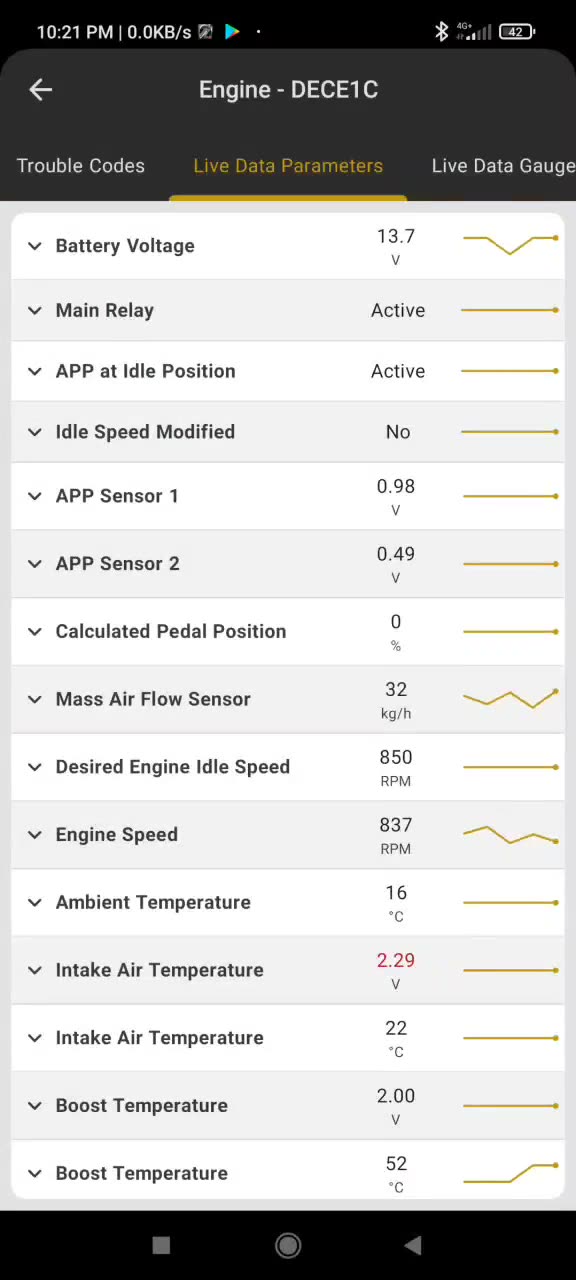
Monitor live parameters, view graphs and explore parameter details where available.
See ECU identification and run supported actuator tests. ScanMyOpelCAN also offers selected service functions.
Features and availability vary by app, purchase, vehicle and control unit. Check the app listing for details.
The latest notes for each app. Visit Google Play for the most current release information.
Faster live data, optional fast adapter timing and an offline launch fix.
Release notes on Google Play ↗Minor stability improvements.
Release notes on Google Play ↗New icons for control modules in the diagnostics list.
Release notes on Google Play ↗Release notes last checked 8 November 2026. These are a snapshot, not a live feed; check Google Play for the latest information.
Find an answer below or send our support team a message.
An Android device, a compatible ELM327-based adapter and the right ScanMyOpel app for your vehicle.
Adapter requirements vary by model. ScanMyOpelCAN recommends vLinker MC / MC+ / MS or OBDLink MX; PSA-based Opel models require a compatible vLinker MC+ / MS. See the app listing for details.
ScanMyOpel is for supported non-CAN models; ScanMyOpelCAN is for supported CAN-bus models. Check the vehicle lists and Google Play descriptions for restrictions.
No. Available functions depend on your app, vehicle and the control units it supports. See the app listing for the latest details.
Some adapters do not support all commands required for manufacturer-specific diagnostics. Check the recommended adapters in the app’s Google Play listing and contact support if you need help.
An internet connection may be needed for initial setup, licensing, updates or downloading data. Availability offline depends on the app and previously downloaded data.
ScanMyOpel Lite lets you check compatibility with selected non-CAN vehicles. ScanMyOpelCAN also offers free features. Check Google Play for current options and limitations.
Tell us which app, vehicle and adapter you use. Please don’t include passwords or payment information.
info@scanmyopel.com ↗Find us on Facebook